↗
Ten tabs open
Exchange announcements, news sites, X and group chats, each in its own window, each easy to miss.
 CoCoby Nuvio Labs
Download
CoCoby Nuvio Labs
Download
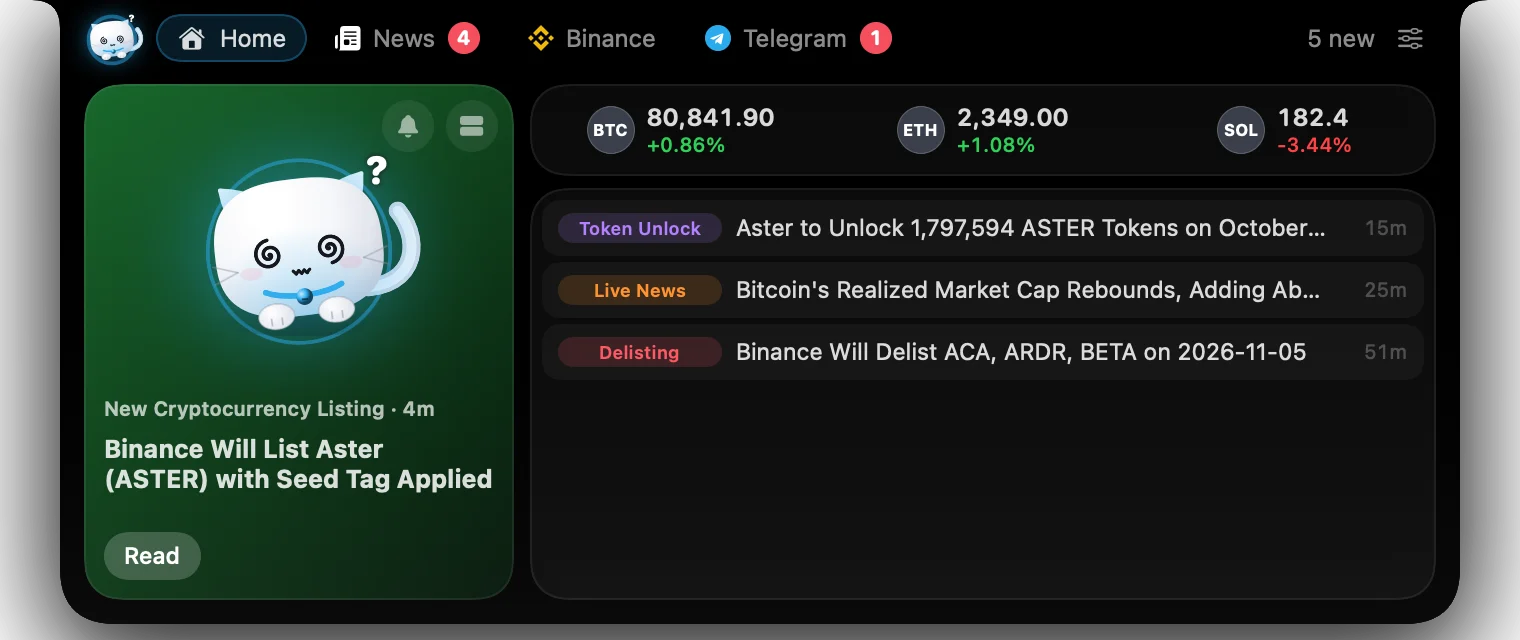
CoCo lives at the top of your Mac and watches crypto news, Binance prices, X and Telegram. You'll never miss a listing, a move or a message again.

CoCo watches
Why CoCo
News breaks in five places at once. By the time you've checked them all, the move is over. CoCo puts everything in one small island that's always in view.
Exchange announcements, news sites, X and group chats, each in its own window, each easy to miss.
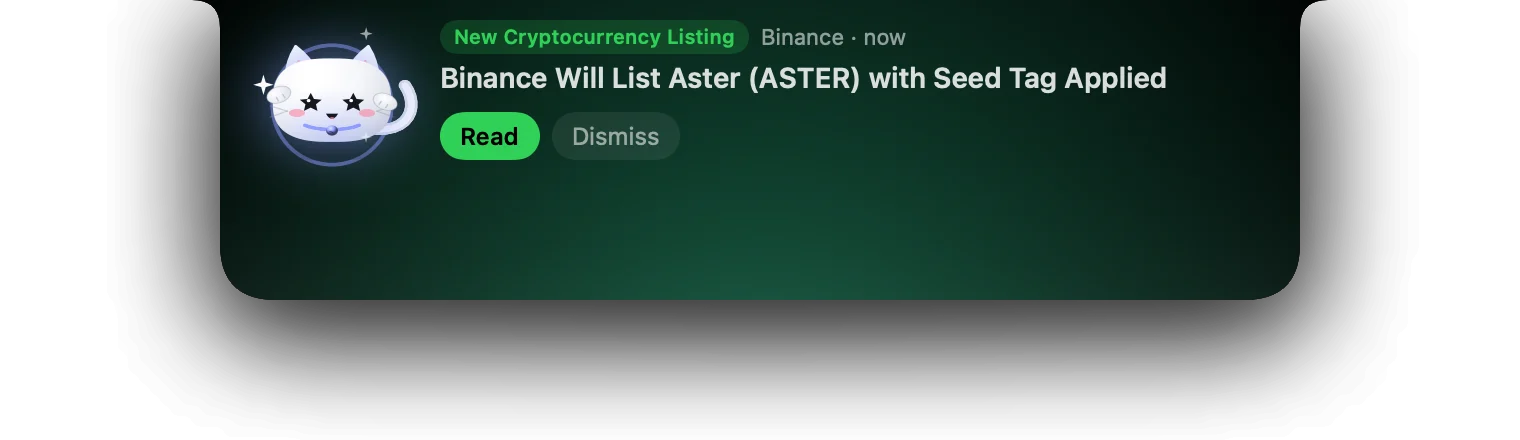
A new listing hits while you're in a meeting. CoCo shows it the moment it lands, and cheers.
Everything pings, so nothing matters. CoCo lets each source be exactly as loud as you want, with quiet hours.
Features
Each part of CoCo is built for a trader's day: glanceable, quiet when it should be, loud when it matters.
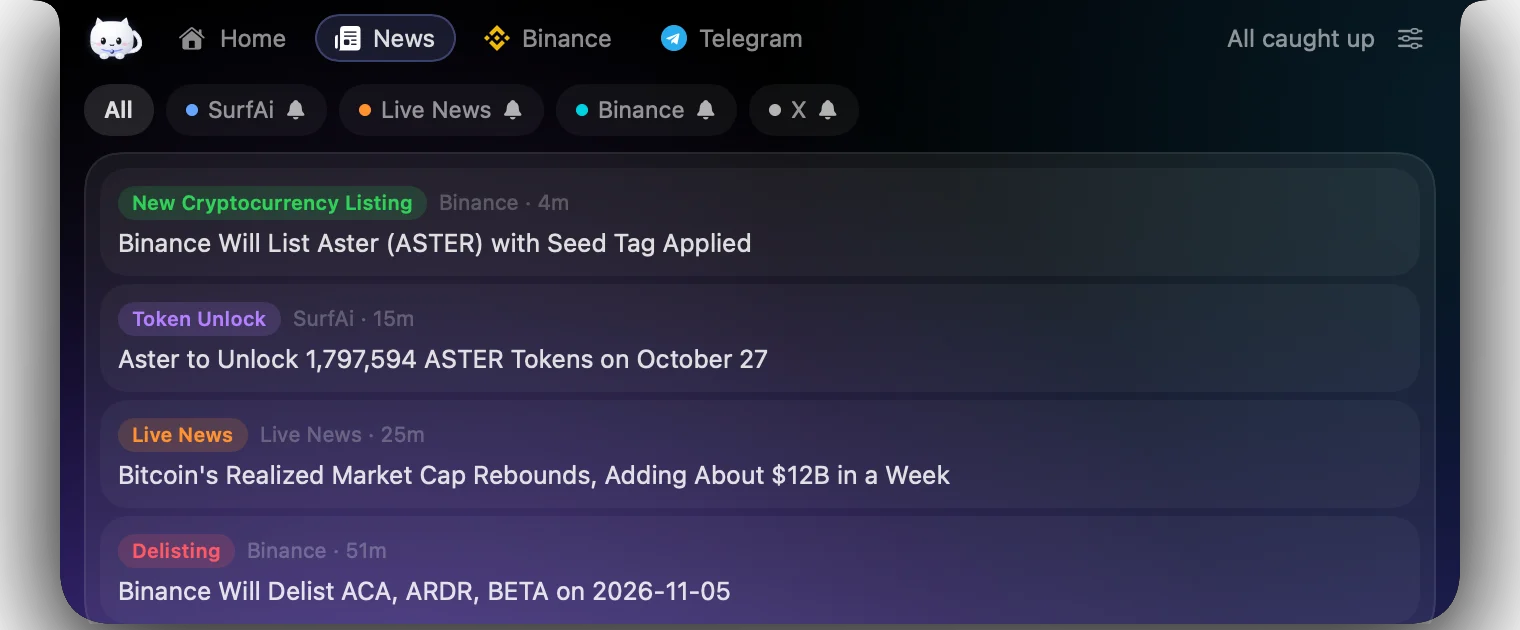
SurfAi, Binance Square's Live News, Binance announcements and X, sorted by time and tagged by topic: listings, delistings, unlocks, AI, macro. Open any story inside CoCo or jump to the original.
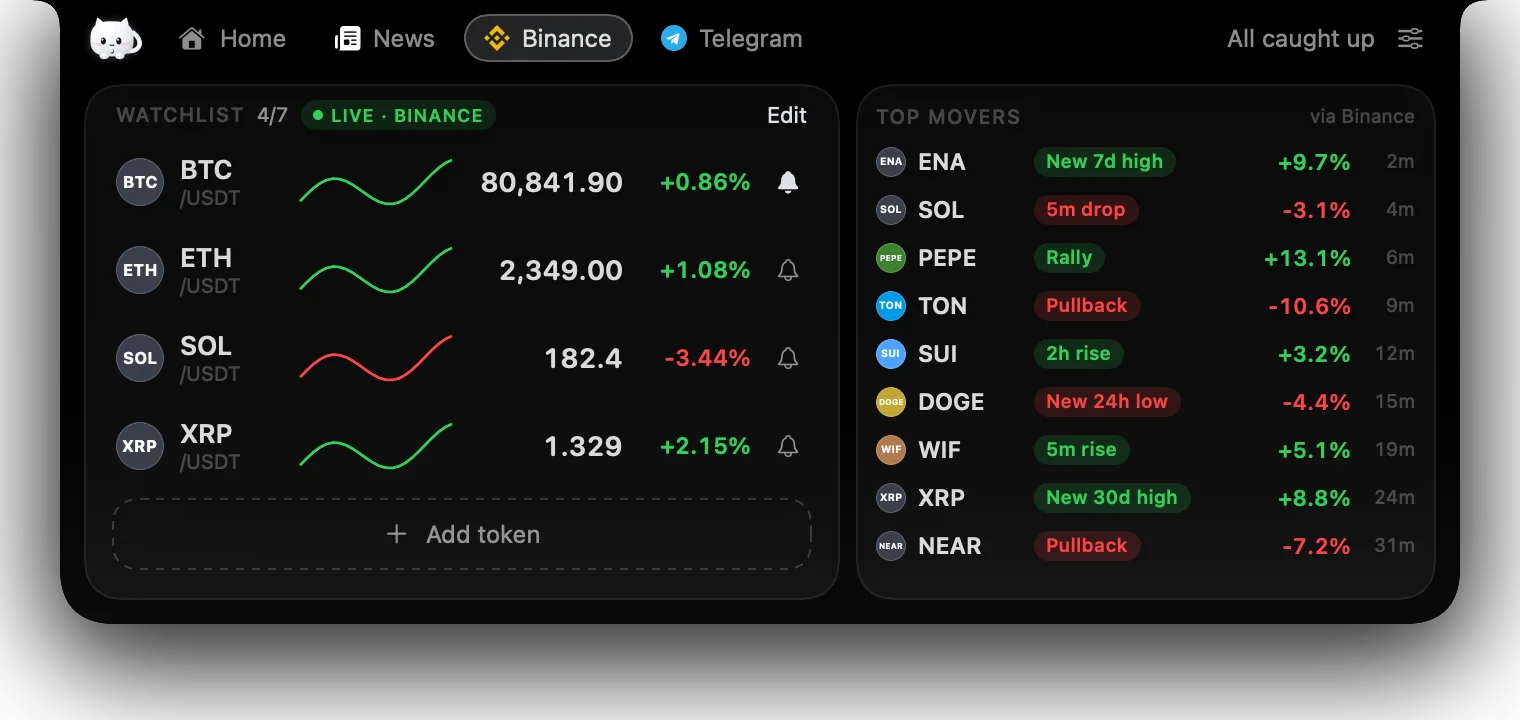
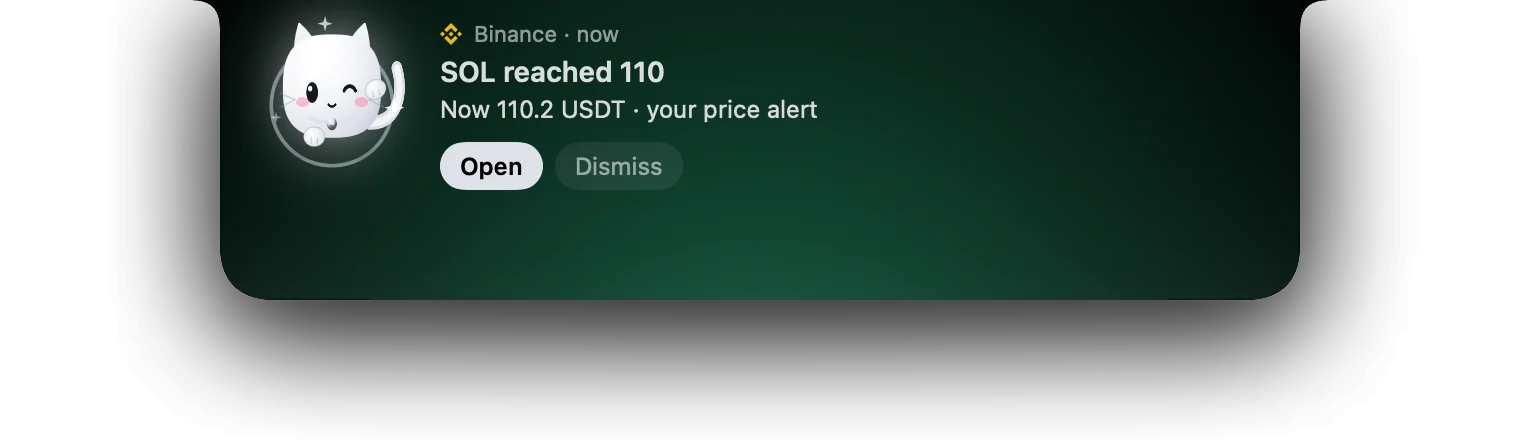
A watchlist of up to 7 coins with live prices and sparklines, straight from Binance's public market data. Tap the bell to set a price, and CoCo tells you once when it's crossed.
CoCo follows the crypto accounts that move markets, plus two of your own. Turn on Market voices to also see the newest posts from about 150 news desks, traders and projects.
Sample posts for illustration
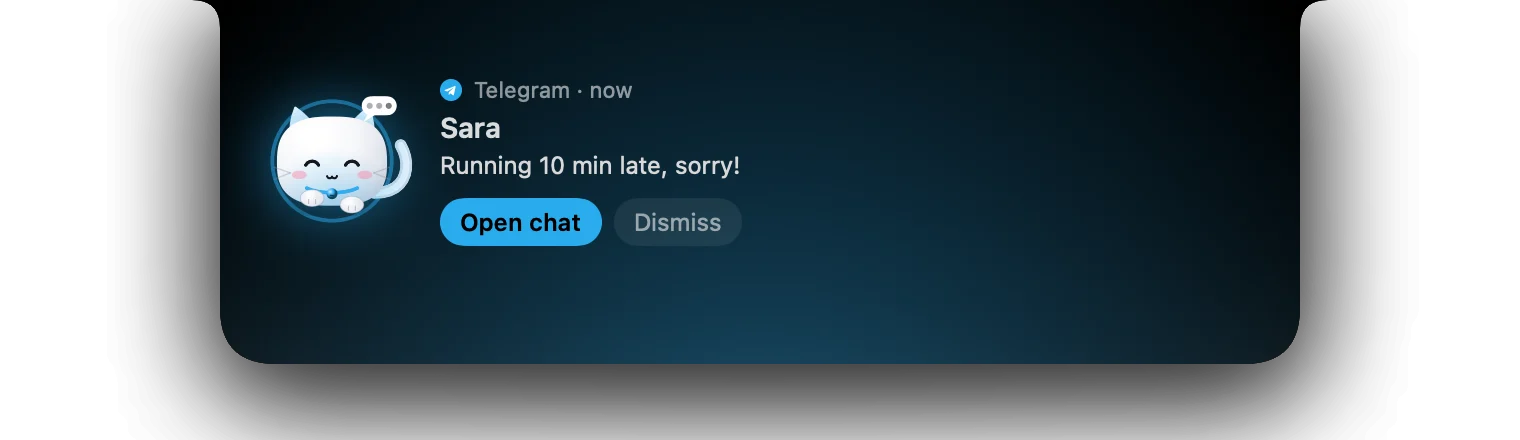
Log in by QR code in CoCo's own private browser. Unread chats show in the island, new messages arrive as cards, and you can open the chat in one click.

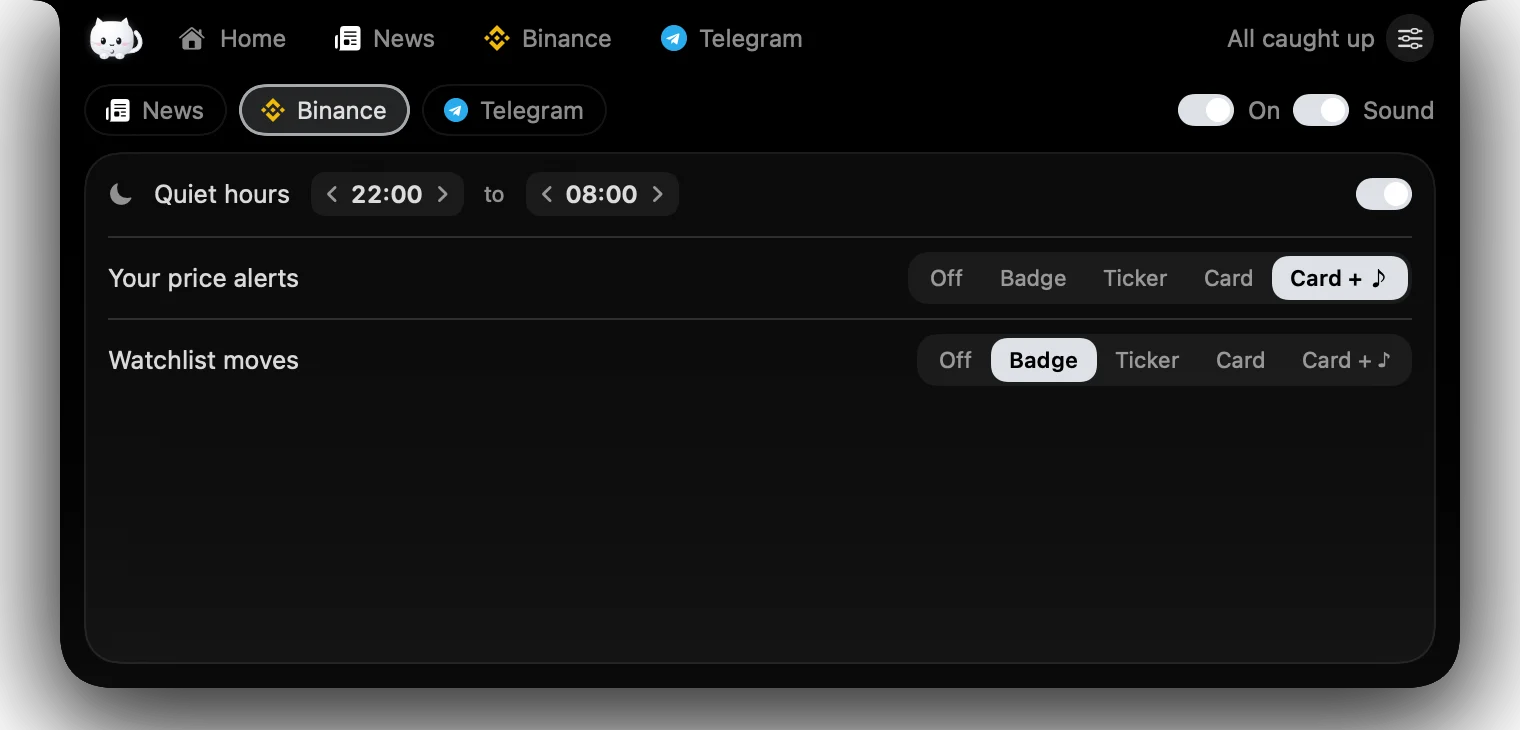
Every source and every kind of alert gets its own level: off, a badge, a ticker under the notch, a card, or a card with sound. Add quiet hours, snooze for an hour, or pick one of three sound sets.
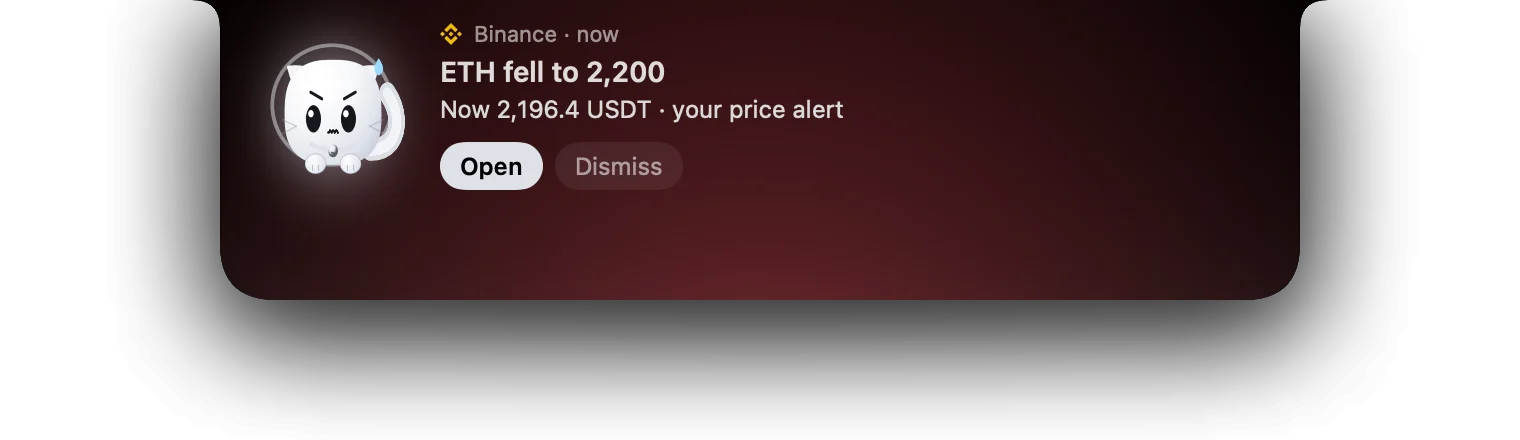
CoCo has 15 moods driven by what happens, and its eyes follow your pointer. It naps when you snooze it and cheers when your price alert hits. Trading is stressful; your notch doesn't have to be.






Try it
A live simulator of the notch: hover it to open, fire alerts from the panel and watch each one go through its rules. The prices are real, straight from Binance.
Hover the notch to openPick an event under SimulateChange a rule and fire it again
The film
Install
CoCo isn't notarized by Apple yet, so macOS asks you to approve it once. Here's exactly what you'll see, and why.
Get Coco.dmg from our public releases page. It's under 3 MB, and the link always serves the newest version.
Open the downloaded file. Drag the CoCo icon onto the Applications folder beside it, then eject the disk.
The first time you open CoCo, macOS shows "Coco" Not Opened. That's expected: CoCo isn't notarized yet, and macOS shows it for any app that isn't. Click Done.
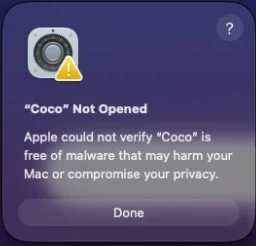 Click Done
Open System Settings, choose Privacy & Security and scroll down to Security. You'll see "Coco" was blocked to protect your Mac. Click Open Anyway.
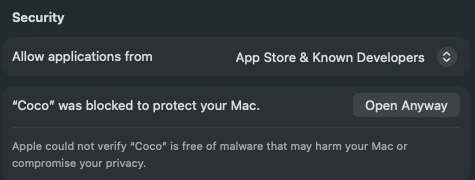 Open Anyway
Enter your password or use Touch ID, then click Open. CoCo appears in the notch (or at the top of the screen on Macs without one) and in the menu bar.
Know what you're installing
Here's what CoCo does on your Mac, and how to check it yourself.
No account and no CoCo server. It reads public news and price feeds directly from your computer.
Prices are public data. CoCo can't see your balances, place a trade or withdraw anything.
Anything sensitive, like the optional X token, lives in macOS Keychain. Telegram messages are never written to disk.
It reads the pointer position only, so the island can open when you hover the notch.
Our audit notes list each host CoCo talks to: Binance's public data, SurfAi, X's public embed and GitHub for update checks.
Quit from the menu bar and drag CoCo to the Trash. Its saved data is one folder: ~/Library/Application Support/Coco.
Compare your file's SHA-256 checksum with ours before you open it. If it differs, delete the file and download it again.
Checksum for v0.1.2 (2,968,723 bytes). It changes with every version.
shasum -a 256 ~/Downloads/Coco.dmg8438dc4602fdb58c9990763f3fa5518f0c3237533cb353f7314ef02a132c1677CoCo is early software (v0.1). It isn't notarized by Apple yet, which is the warning you just saw, and it isn't sandboxed, so it can do whatever any app you run can do. That's why we list what it does here, and why notarization comes next.
Sources
CoCo gathers each source into one island and one set of rules, so nothing important falls between the cracks.
Download for MacPricing
Every Mac gets 3 days of Premium to try everything. Pay by card or in crypto.
Everything you need to stay in the loop.
$0forever
Download freeFor traders who can't afford to miss a move.
$9per month
Start 3-day trialCard or crypto, whichever you prefer.
USDT and USDC on Ethereum, Arbitrum, Solana, Base, Polygon and BNB Chain (USDT also on Tron). Passes for 3 or 12 months are available in crypto.
Premium checkout opens soon. Until then, every feature is free during the beta.
Free to download. 3 days of Premium on us.
Download for MacFAQs
Tell us what you saw and we'll help. Most questions get an answer the same day.
Open an issueNews, the watchlist, Top Movers, badge and ticker alerts and 2 price alerts are free forever. Premium adds card and sound alerts, X tracking, unlimited price alerts and Telegram message cards. Every Mac gets a 3-day Premium trial.
By card, Apple Pay or Google Pay, or in crypto: USDT, USDC or Binance Pay. Checkout opens soon. Until then, every Mac gets the 3-day Premium trial, and the free features stay free.
CoCo never logs in to Binance. Prices come from Binance's public market data, so CoCo can't see your balances, trade or withdraw. News and X posts come through CoCo's own server, which knows your Mac only by an anonymous ID (a one-way hash, never its serial number or your name), the app version and any X accounts you add to follow. Telegram runs only on your Mac: your messages never reach our server and are never written to disk. Secrets stay in your Keychain.
Apple Silicon Macs (M1 or later) with macOS 15 or later. On Macs with a notch, CoCo lives in it; on others it sits at the top centre of the screen. There's no Intel, Windows or iPhone version yet.
This build isn't notarized by Apple yet, so macOS stops it once. Open CoCo, click Done, then choose Open Anyway in System Settings › Privacy & Security. Right-click › Open no longer works on macOS 15 and later. The install guide shows each step, and notarized builds are on the way.
No Open Anyway button? It only appears after macOS has blocked the app, so open CoCo once more, dismiss the message and scroll to the bottom of Privacy & Security. If macOS says the app is damaged, delete the file, download it again and compare the checksum on this page. If it matches, you can clear the download flag in Terminal: xattr -dr com.apple.quarantine /Applications/Coco.app. Only do this for a file whose checksum matches.